Smithery

Use Smithery’s guided setup to connect to the Paradex-hosted MCP server.

This setup does not support trading at the moment. Only public market data is available. For full API access including trading, use a local setup.

Smithery provides a guided setup experience for connecting MCP servers to your AI client.
1

Find Paradex on Smithery

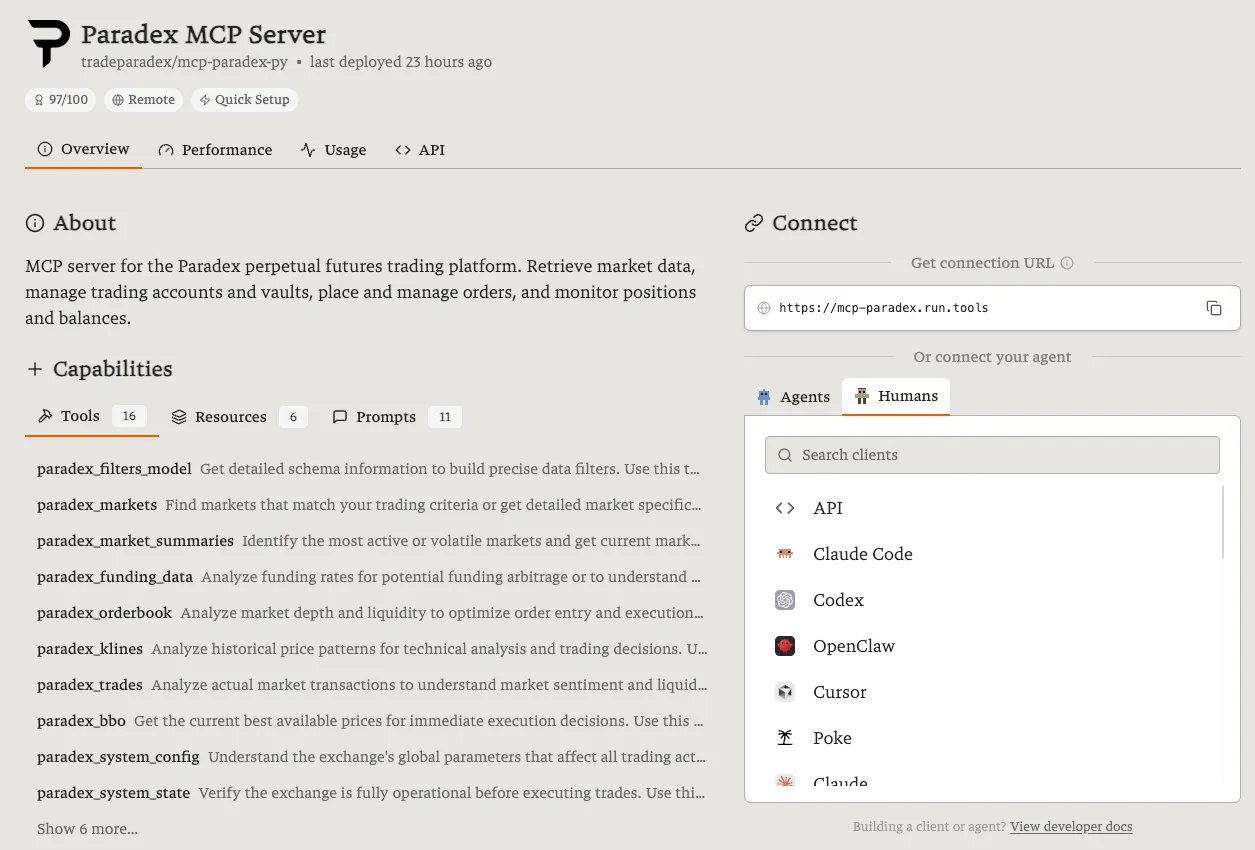
Visit smithery.ai and search for Paradex. Select the Paradex MCP server.

Paradex MCP Server on Smithery
2

Follow the guided setup

Choose your AI client from the list (Claude Code, Cursor, Codex, and more are supported). No fields are required — leave paradexAccountPrivateKey empty (trading is not supported in this mode). Click Connect.

3

Verify it’s working

Ask your AI assistant:

“What markets are available on Paradex?”

If you get a list of trading pairs, you’re connected.