For AI agents: a documentation index is available at the root level at /llms.txt. Append /llms.txt to any URL for a page-level index, or .md for the markdown version of any page.
Skip to navigation How to submit a scaled order?
Select the market that you wish to trade
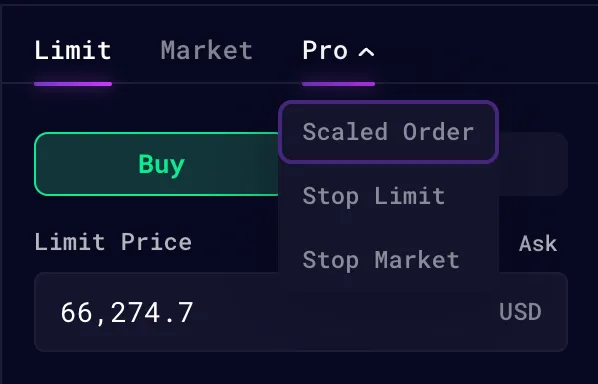
Select “Scaled Order” under the order types
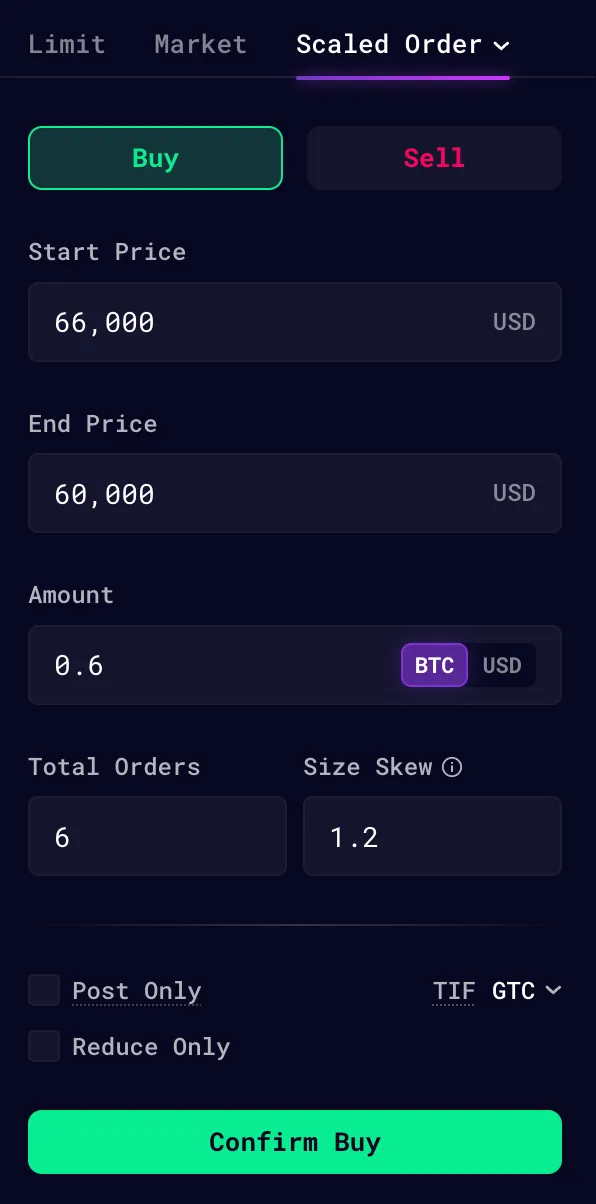
Input the parameters of the scaled order
Buy / Sell - Trade directionStart Price & End Price - Scaled order rangeAmount - Total amount of the order sizes to be submittedTotal Orders - Number of orders to be submittedSkew - Ratio of End Order Amount / Start Order Amount
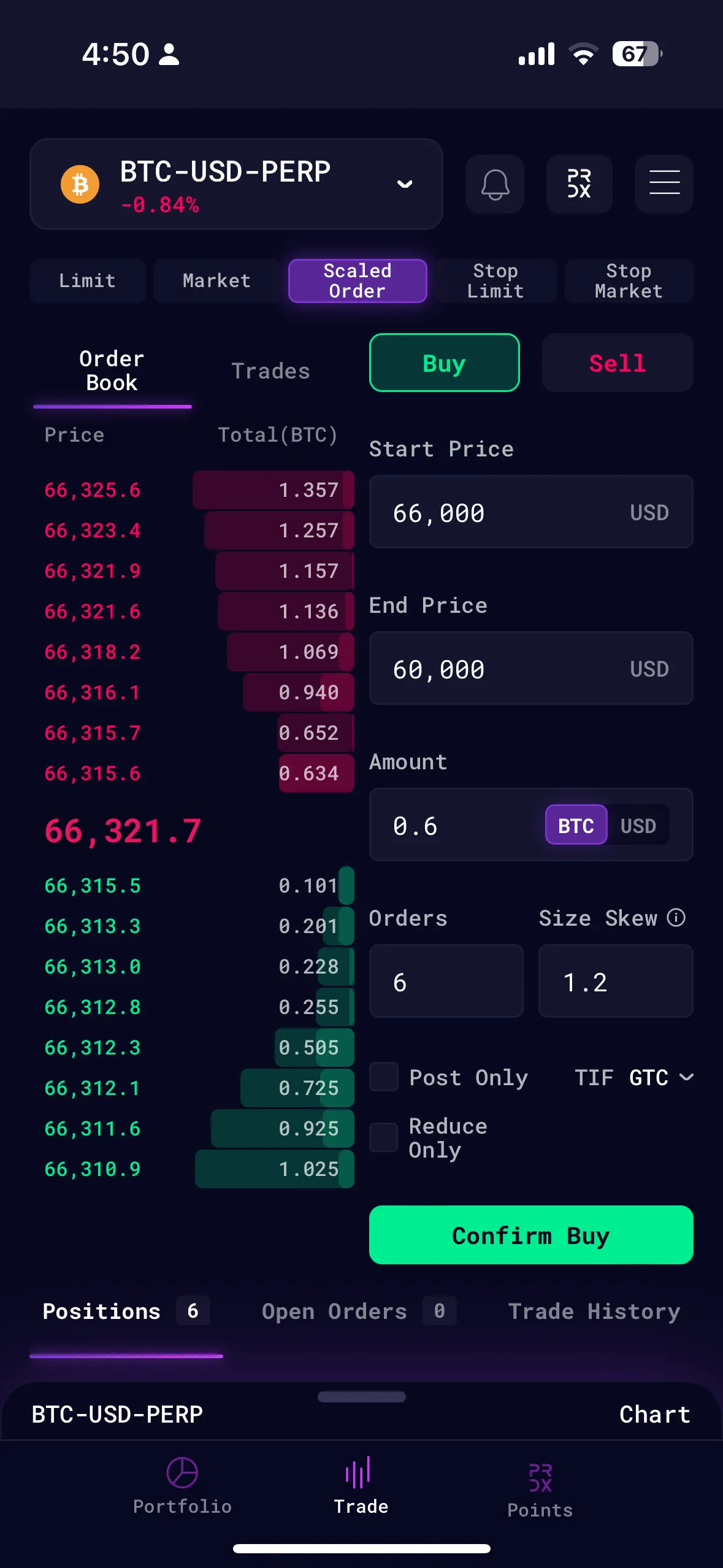
Scaled Order on Mobile
Mobile version: Select 'Scaled Order' and enter the parameter Scaled Order on Desktop
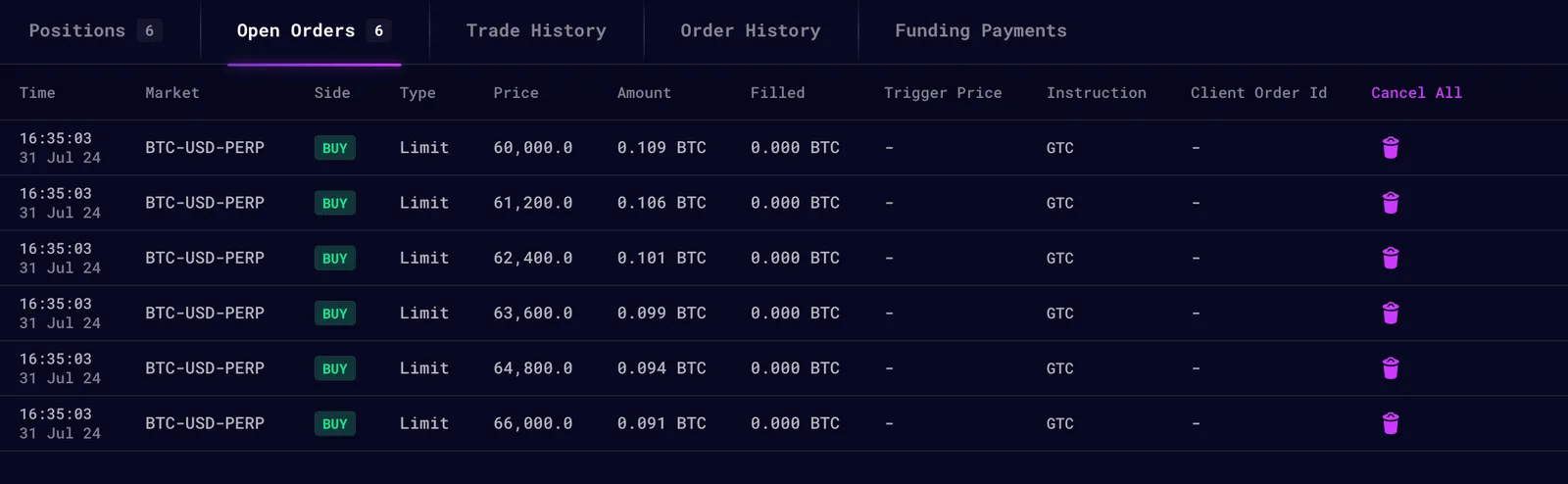
Select 'Scaled Order' from the dropdown Enter the Scaled Order Parameters Scaled orders submitted will show up on the Open Orders tab if successful