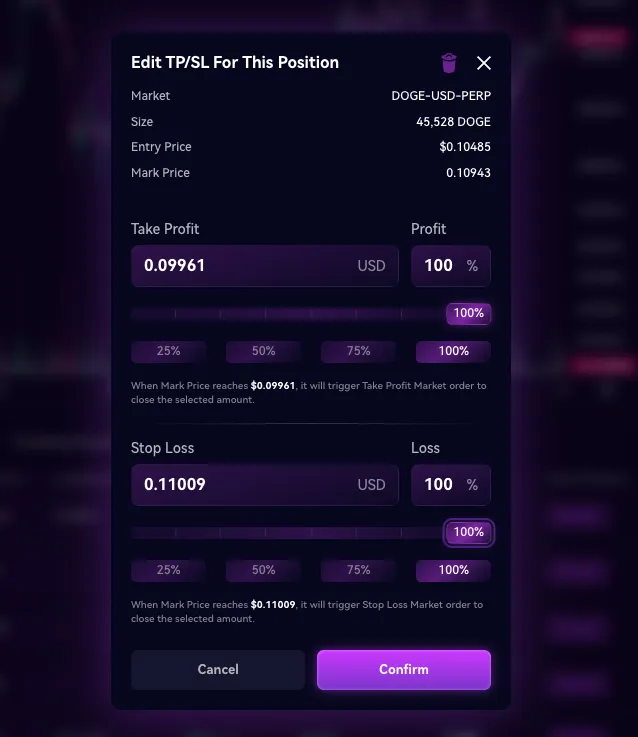
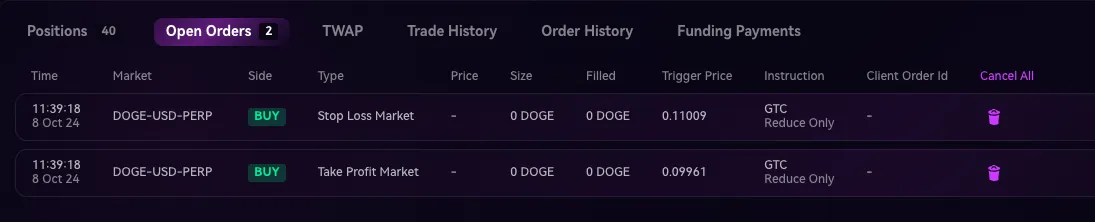
TP/SL
What is a TP/SL?
A TP/SL order consists of a Take Profit Market trigger order and a Stop Loss Market trigger order. Once one of the order is triggered, the other order will be canceled. Due to this behavior, TP/SL is also a subset of One-Cancels-Other (OCO) order.
A trader usually has price levels in mind where they want to take profit from a position or stop out of it.
Normally, the trader has to place a Stop Loss order and a Limit order separately. If one of the orders gets filled, they would have to manually cancel the other order themselves, else they risk being filled twice
Please note that TP/SL creates Market Orders not Limit Orders!
Example: Having separate TP and SL orders
Trader currently has a Long position of 1 BTC @ $61,000 and wishes to Take profit at $62,000 and Stop loss at $60,000.
Trader has to place a Limit Sell Order of 1 BTC @ $62,000 and a Stop Loss order of 1 BTC @ $60,000 separately.
If his Limit Sell Order of 1 BTC @ $62,000 is filled, the Stop Loss order stays opened and the trader has to cancel it himself. He will then have no open BTC position left.
If he forgets to cancel that remaining Stop Loss order and it gets triggered and filled, then he would end up having short 1 BTC of position.
This is where TP/SL comes in handy, allowing them to place both orders at the same time, without worrying the need to cancel one of them when the other is filled.
Example: Leaving a TP/SL orders
Trader currently has a Long position of 1 BTC @ $61,000 and wishes to Take profit at $62,000 and Stop loss at $60,000.
Trader places a TP/SL order with a Take Profit of 1 BTC @ $62,000 and a Stop Loss of 1 BTC @ $60,000 in the same order.
If his Take Profit Order of 1 BTC @ $62,000 is filled, then the Stop Loss will be automatically be canceled.
This makes sure that the trader will have no open BTC position left open.
How to set a TP/SL order?